You finally got a robot vacuum. Maybe it was an impulse buy, maybe you researched it for months — either way, now you’re probably wondering: how long do robot vacuums usually last, really?
It’s a fair question, especially when you’ve dropped a few hundred dollars (or more) on one. The honest answer is: it depends. But there’s a pretty clear range, and understanding what affects lifespan can save you money and frustration down the road. This article breaks it all down — average lifespan, what kills these machines early, and how to stretch yours as long as possible.
The Average Lifespan of a Robot Vacuum
Most robot vacuums last somewhere between 4 to 7 years with regular use. Some entry-level models start showing serious wear after 3 years, while a well-maintained premium unit can push past 8 or even 10 years.
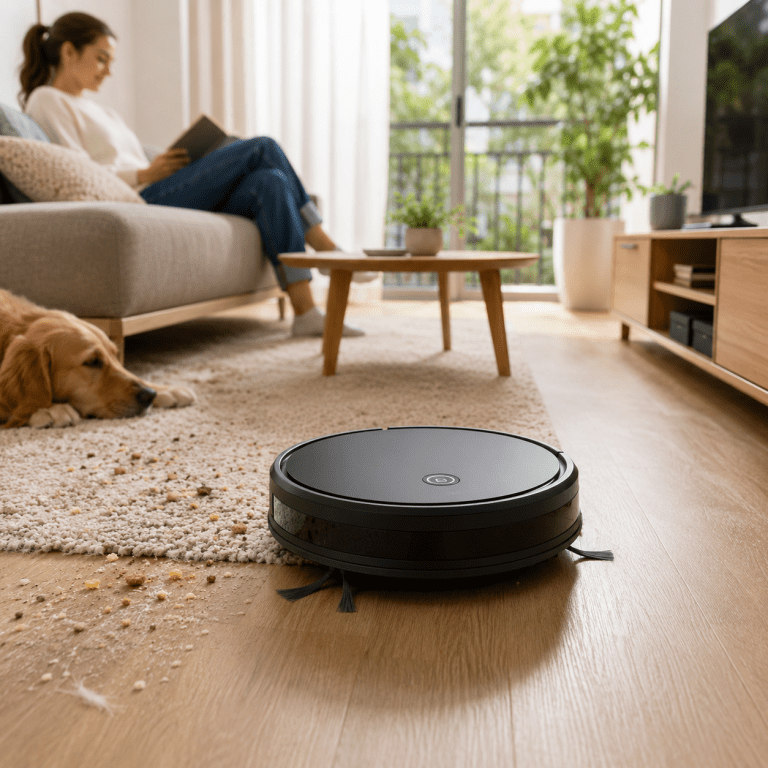
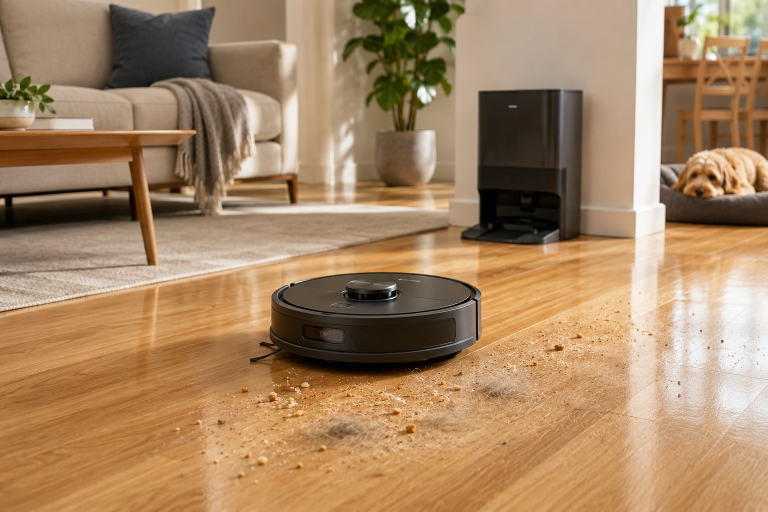
That range might feel vague, but it reflects reality. A Roomba running daily on a large house with pets is working a lot harder than one doing light duty in a small apartment twice a week. Usage frequency, floor types, and even how dusty your home gets all play a role.
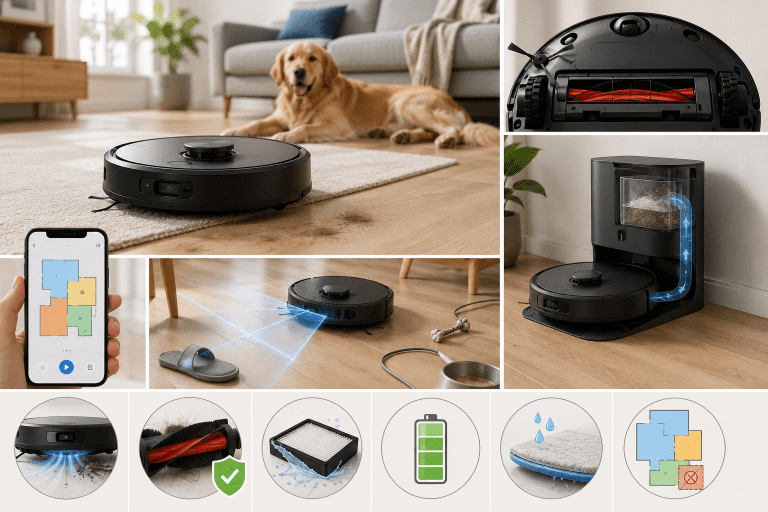
Battery life is usually the first thing to go. Most robot vacuums use lithium-ion batteries that hold a charge well for the first couple of years, then gradually lose capacity. By year 3 or 4, many users notice shorter run times. The good news: batteries are replaceable on most models, and a new one can essentially give an older robot vacuum a second life.
What Affects How Long a Robot Vacuum Lasts
Build Quality and Brand
This one’s obvious but worth stating. A $150 no-name robot vacuum and a $600 iRobot or Roborock are not built the same way. Premium brands use better motors, stronger brush materials, and more durable sensors. They also tend to have longer support windows, meaning replacement parts stay available. That said, mid-range options (think $200–$350) have gotten genuinely good in recent years. You don’t need to spend top dollar to get a machine that lasts.
How Often You Run It
Running your robot vacuum daily will naturally wear it down faster than running it a few times a week. The motor, brushes, and wheels all accumulate wear. If you’re running it every day, you’ll want to be more consistent about maintenance — which leads to the next point.
Maintenance Habits
This is probably the biggest factor people overlook. Neglecting basic maintenance is one of the fastest ways to shorten a robot vacuum’s life. Hair and debris wrap around the brush rolls and can over time strain the motor. A dirty filter makes the vacuum work harder than it needs to. Wheels clogged with gunk affect navigation and put stress on drive components.
A few minutes of regular cleaning goes a long way.
Floor Type and Home Environment
Thick carpets, stairs (if your robot doesn’t have good cliff detection), and lots of furniture legs all create more wear. Homes with pets — especially long-haired dogs or cats — are harder on robot vacuums because fur wraps around brushes constantly. Hard floors are generally gentler on the machine, but they’re not completely problem-free either. Sand and grit on hard floors can grind down brush components faster than you’d expect.
Signs Your Robot Vacuum Is Nearing the End
How do you know when it’s actually time to replace rather than repair? What to look for:
- Much shorter run times after a full charge (battery issue, often fixable)
- Weaker suction that doesn’t improve after cleaning filters and brushes
- Navigation issues – getting stuck in areas that it used to do fine in, or not mapping correctly
- Loud or grinding sounds from the motor or wheels
- Error codes that keep returning after troubleshooting
Some of these can be fixed. A replacement battery, new brush rolls, or a fresh filter can solve a lot of problems. But if you’re stacking multiple issues at once on an older machine, the math on repair vs. replacement starts to shift.
Tips to Make Your Robot Vacuum Last Longer
You don’t need to do anything complicated. A consistent routine covers most of it.
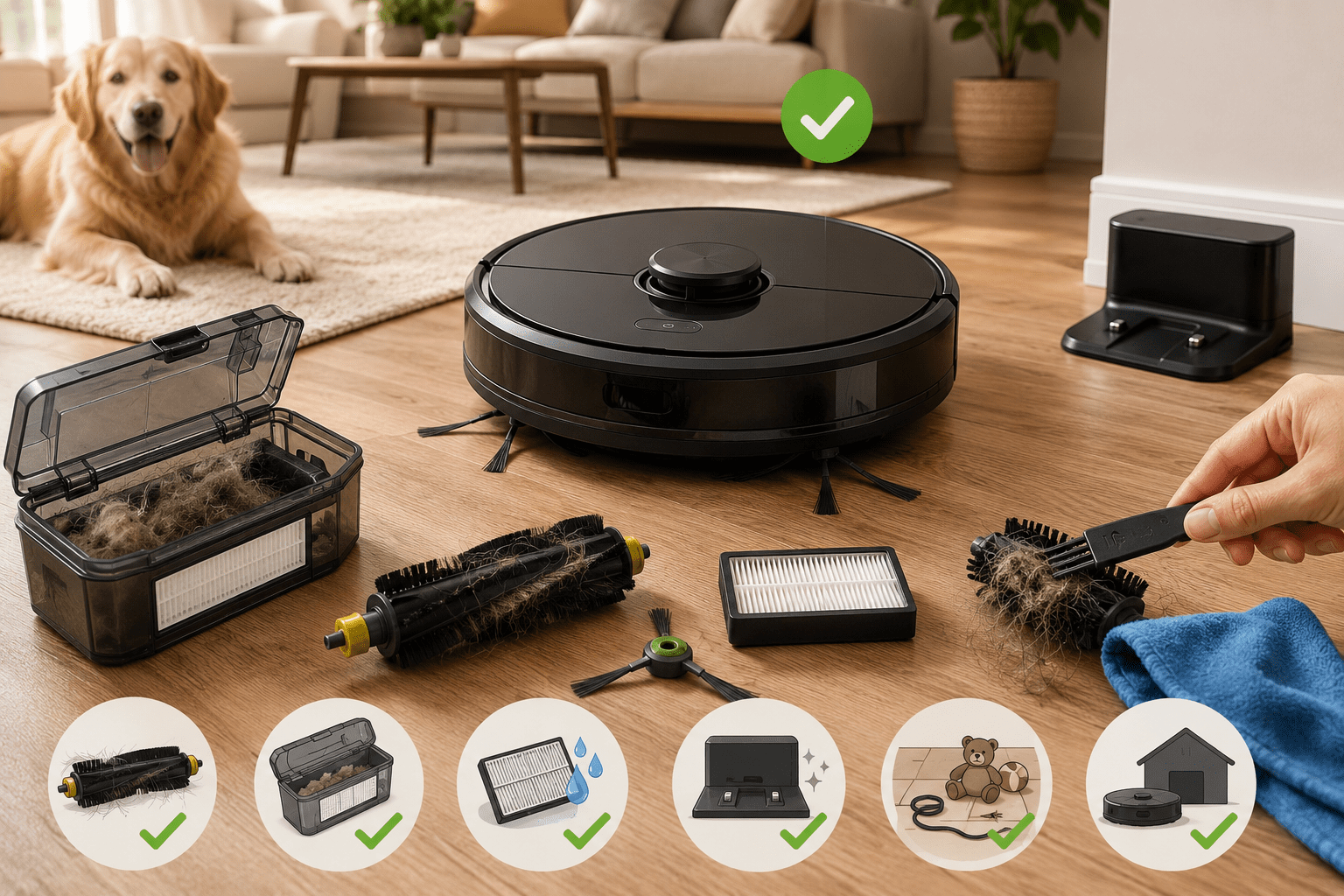
Clean the brushes every week or two. Hair and debris wrap around the main brush roll fast. Most models let you pop it out without any tools. Give it a quick trim and wipe-down.
Empty the dustbin after each run, or at least every couple of runs. Letting it stay packed puts extra strain on the motor.
Wash or replace the filter regularly. Check your model’s manual — most recommend cleaning every month or so, and replacing every 2–3 months depending on use.
Keep the charging contacts clean. A little debris on the contacts can lead to poor charging over time. A dry cloth works fine.
Clear the floor before each run. Cords, small toys, and socks are notorious for jamming brush rolls. Takes 30 seconds and saves a lot of grief.
Store it properly. If you’re not going to use it for a while, keep it somewhere dry and at room temperature. Leaving it in a hot garage or damp space degrades the battery faster.
Is It Worth Repairing or Time to Replace?
Replacement parts for robot vacuums — brushes, filters, batteries, even wheels — are often surprisingly affordable and easy to install. A new battery for a popular Roomba model, for example, often runs $30–$60 and can completely revive an older unit.
The general rule of thumb: if the repair cost is less than 30–40% of buying a comparable new model, it’s usually worth fixing. If you’re looking at multiple repairs on an older machine, or the motor itself has given out, that’s when a replacement makes more sense.
The Bottom Line
So, how long do robot vacuums usually last? For most people, the realistic answer is 4 to 7 years — longer if you take care of it, shorter if you don’t. The battery is usually the first component to degrade, but that’s often fixable. Build quality matters, but consistent basic maintenance probably matters more.
If you’re shopping for one, look for models with readily available replacement parts. If you already own one, a quick weekly cleaning routine is the single best thing you can do to protect your investment.
Got questions about a specific model or repair? Drop them in the comments — it’s easier to help when we know what you’re working with.