If your floors never seem to stay clean no matter how often you vacuum, you’re not imagining things — you’re just fighting a losing battle with a tool that requires your full attention every single time you use it. A robot vacuum changes that equation. It runs while you sleep, while you’re at work, while you’re making dinner. When you come home, the floors are done.
But here’s the thing nobody tells you before you start shopping: the robot vacuum market in 2026 is enormous, fast-moving, and full of confusing spec numbers that don’t mean what you think they mean. There are models under $200 and models over $1,500, and the difference between a great purchase and a frustrating one comes down to understanding a handful of key things — none of which are difficult once someone explains them properly.
This guide does exactly that. By the time you finish reading, you’ll know what actually matters when buying a robot vacuum, what you can safely ignore, and how to match the right model to your specific home. No jargon, no fluff.
What a robot vacuum actually does (and what it doesn’t)
Before anything else, let’s set realistic expectations — because a lot of returns and disappointed reviews come from buyers expecting something the technology isn’t designed to deliver.
A robot vacuum is a maintenance cleaning tool. Its job is to keep your floors consistently clean between deeper cleans, not to replace deep cleaning entirely. Run it daily or every other day, and your floors will genuinely stay on top of dust, crumbs, pet hair, and everyday debris without you lifting a finger.
What it does well:
- Automates daily or near-daily floor cleaning
- Handles dust, pet hair, crumbs, and light debris on hard floors and low-pile carpet
- Runs on a schedule while you’re out or asleep
- Reaches under furniture you’d never vacuum manually as often as you should
What it doesn’t do:
- Deep clean thick, high-pile carpet the way a powerful upright does
- Clean stairs (no robot vacuum does this yet in a practical sense)
- Instantly spot-clean a fresh spill
- Reach every corner of rooms with complex furniture arrangements
The honest framing: a robot vacuum is the reason you vacuum less often, not the reason you never vacuum again. For most households, running a robot daily plus doing a manual vacuum once or twice a month is genuinely the winning combination.
Step one: assess your home before you look at a single product
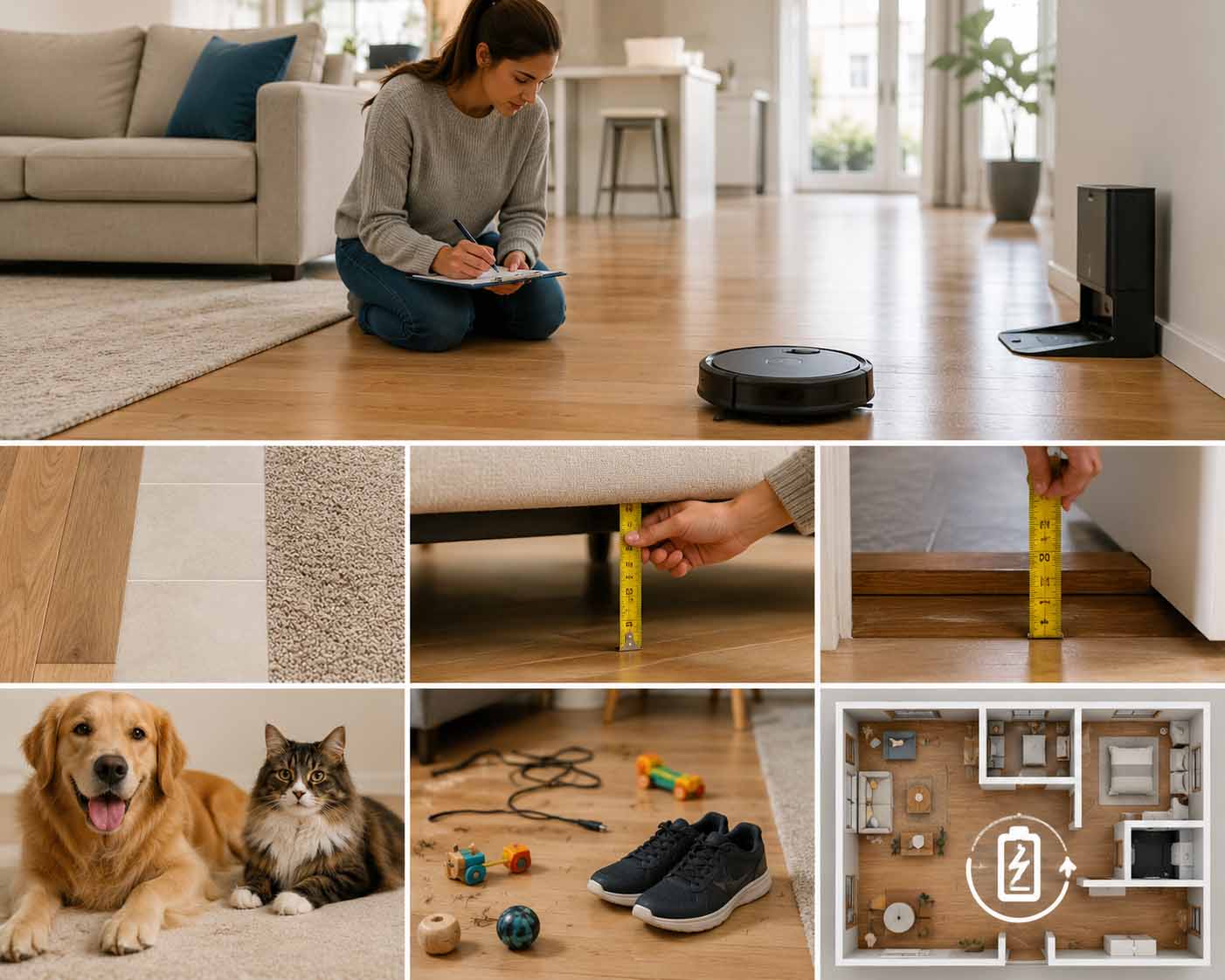
The most common buying mistake is starting with product reviews instead of starting with your home. Every house is different. The best robot vacuum for a 600-square-foot apartment with hardwood floors is a completely different machine from the best one for a 2,500-square-foot home with two dogs and thick carpet throughout.
Walk through your home with these questions in mind:
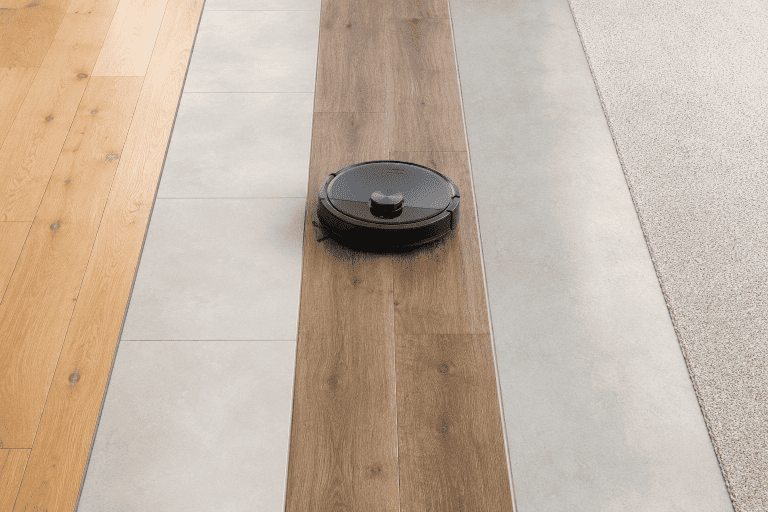
Floor type. What percentage of your floors are hard (hardwood, tile, LVP) versus carpet? And if you have carpet, is it low-pile, medium-pile, or thick/plush? This single factor shapes almost every feature decision.
Furniture clearance. Get down and measure the gap between your floor and the bottom of your sofa, bed frame, and other large pieces. Most robot vacuums are 3.5 to 4 inches tall. If clearance is under 4 inches, you’ll want a slim-profile model specifically — otherwise you end up with a machine that can’t reach the places that need it most.
Door thresholds. High thresholds — anything over about 0.8 inches or 22mm — can trap a robot and strand it mid-clean. Measure any obvious transitions between rooms before you buy, especially if you’re considering budget models with limited climbing ability.
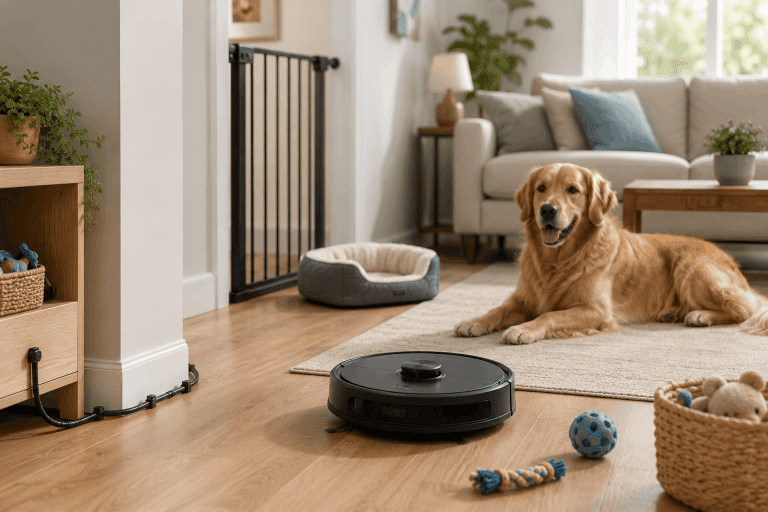
Pets. One cat versus two large dogs with heavy seasonal shedding are completely different cleaning challenges. Pet hair affects your brush type, filter, suction requirements, and how often you’ll need to empty or service the machine.
Clutter habits. If your floors regularly have charging cables, kids’ toys, or shoes scattered around, obstacle avoidance becomes a priority — not an optional premium feature.
Home size. Larger homes (over 1,500 square feet) need a robot with recharge-and-resume capability, meaning it can dock mid-clean, recharge, then pick up exactly where it stopped. Without this, a large home may never get fully cleaned in one session.
Ten minutes spent on this assessment will save you a hundred dollars of mismatched purchase.
Understanding price tiers: what you actually get at each level
Robot vacuums span a wider price range than almost any other home appliance. Here’s what those price differences actually mean in practice.
Budget tier: Under $300
At this price point, you’re getting a machine that cleans — but one that requires more of your attention. Navigation is typically random-bounce or basic gyroscope (no true map), which means the robot wanders rather than cleaning systematically. You’ll need to manually empty the dustbin after every run. Mopping is either absent or very basic.
Budget models work well for: small apartments with mostly hard floors, households that want to test the concept before investing more, and supplementary cleaning in low-traffic rooms.
The trade-off: you’ll spend more time supervising and maintaining the machine, and it will miss spots more frequently.
Mid-range: $300–$800
This is where robot vacuums become genuinely good. LiDAR navigation (laser-based mapping) becomes standard, which means the robot builds an accurate floor plan of your home and cleans room by room in methodical rows rather than random paths. Many models in this range include a self-emptying dock, where the robot deposits debris into a larger bag automatically after each run.
Mopping becomes a real option here — not just a damp cloth drag, but vibrating or oscillating pads that actually scrub light residue off hard floors.
This tier handles the needs of most homeowners. It’s where the best value in the entire category lives, and it’s where the majority of our recommendations land.
Premium tier: $800 and above
Above $800, you’re paying primarily for convenience automation, not dramatically better cleaning performance. Premium models add features like self-washing and self-drying mop pads, automatic water tank refilling, hot-water mop sanitization, and sophisticated AI cameras that can identify and avoid specific objects (pet toys, charging cables, even pet waste).
These are impressive machines that genuinely let you go weeks without touching them. But they’re not twice as clean as a good mid-range model — they’re twice as hands-off. That distinction matters when you’re deciding whether the extra cost is worth it for your household.
The six features that actually matter
The robot vacuum industry is very good at generating impressive-sounding specifications. Here’s what to pay attention to — and what those specs actually mean for real-world cleaning.
1. Navigation type
This is arguably the single most important feature to understand, because it determines how thoroughly and efficiently the robot cleans your home.
Random/bounce navigation is found in entry-level models. The robot moves in one direction until it hits something, then turns and goes in another. It will eventually cover most of a floor, but it misses spots, takes longer, and has no awareness of rooms or zones.
LiDAR navigation uses a spinning laser sensor to create a precise map of your home. The robot knows the layout of every room, cleans in systematic overlapping rows, and can be directed to clean specific areas via an app. This is the standard worth having.
Camera-based AI navigation uses one or more cameras instead of a laser. It can identify objects and obstacles visually — shoes, cables, pet bowls — but can struggle in low light. Some high-end models offer the best of both, with LiDAR mapping as well as AI cameras.
For most homes, LiDAR navigation alone is entirely sufficient and available at mid-range prices.
2. Suction power (and why Pa numbers mislead you)
You’ll see suction measured in Pascals (Pa), and you’ll see numbers ranging from 2,000 Pa in budget models to 35,000 Pa in 2026 flagships. Here’s what the industry doesn’t emphasize enough: raw Pa ratings don’t predict real-world cleaning performance.
Brush design, airflow path, and roller contact with the floor matter just as much as motor power. A well-engineered 4,000 Pa vacuum with a rubber dual-roller brush can outclean a poorly designed 10,000 Pa machine on everyday debris.
As a practical guide: 2,000–4,000 Pa is adequate for hard floors and light carpet. 6,000–10,000 Pa is solid for medium carpet and pet hair. Above 10,000 Pa, you’re in premium territory that helps with thick carpet and heavy embedded dirt. Anti-tangle brushrolls — rubber rollers rather than bristle brushes — are essential if you have long hair or pets.
3. Self-emptying dock
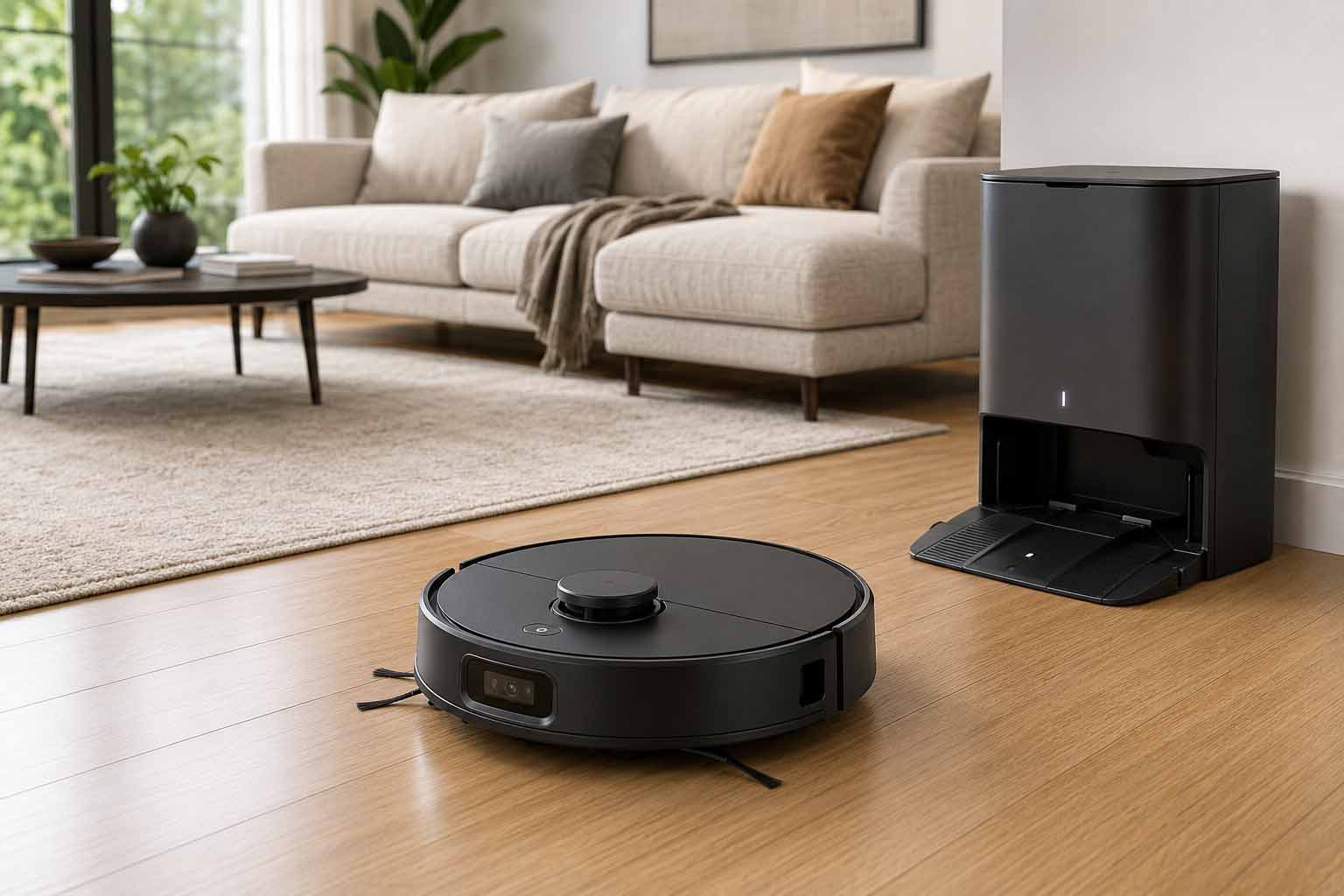
A self-emptying dock is exactly what it sounds like: the robot docks after cleaning and a suction system pulls all the debris from the robot’s dustbin into a larger bag inside the dock. Most bags hold 30 to 75 days of debris before needing replacement.
This transforms the day-to-day experience of owning a robot vacuum. Instead of remembering to empty the bin after every run (essential for maintaining suction), you check the dock every few weeks. For households with pets, this feature is close to essential. For those with allergies, bags seal the debris completely — far better than emptying a dustbin by hand.
Bags typically cost $5 to $15 each and are an ongoing consumable cost to factor into your budget.
4. Mopping capability
Robot vacuum mopping has improved dramatically in recent years, and 2026 models offer real floor-washing capability — not just moisture-dampening.
Basic mopping uses a wet pad attached to the underside of the robot. It adds light moisture and helps lift surface dust. Adequate for maintenance.
Vibrating/sonic mopping uses oscillating pads that scrub at several thousand times per minute, which actually lifts dried residue from hard floors.
Roller mop systems — found in premium models — continuously clean the mop pad against a wash board inside the dock, delivering clean water to every pass. These are the most effective and closest to actual mopping.
If you have mixed hard floors and carpet, the critical feature is automatic mop lifting or retraction when the robot detects carpet, so it doesn’t wet your rugs. Check explicitly for this before buying a combo model.
5. Home mapping and smart features
A good floor map lets you do far more than just watch the robot clean. You can set no-go zones (around pet feeding areas, under desks with cable tangles), schedule specific rooms on specific days, and direct the robot to clean a single room on demand.
Most mid-range and premium models support multiple floor maps, which matters if you have more than one story. App quality is worth researching separately: a fantastic vacuum with a poorly designed app is a genuinely frustrating experience. Check recent App Store and Google Play ratings before committing.
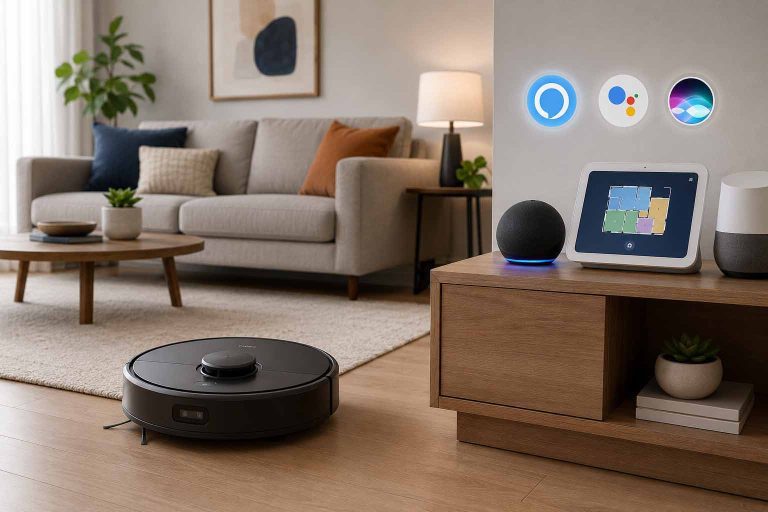
Voice assistant compatibility — Alexa, Google Home, Apple Siri — is standard at mid-range and above.
6. Battery life and recharge-and-resume
Most robots run 90 to 150 minutes per charge. In smaller homes, this is plenty. In larger homes, it falls short.
Recharge-and-resume is the feature that bridges this gap: when battery runs low, the robot returns to its dock, charges to a sufficient level, then returns to the exact spot it stopped and continues cleaning. Without this, a large home may be cleaned in zones rather than fully in each session.
What you can safely ignore
The exact Pa number. As explained above, this tells you less than the brush design and airflow path. Use it as a rough tier indicator, not a performance predictor.
“AI” in the marketing name. Every major robot vacuum brand now uses this term. What matters is what the AI specifically does — obstacle detection, stain recognition, path optimization. Ask what problem it solves, not whether it’s present.
Number of sensors listed. More sensors doesn’t equal better navigation. The quality and integration of the sensor system matters; the count doesn’t.
Maximum room capacity claims. Mapping efficiency matters more than how many rooms a robot can theoretically store in memory.
Matching your floor type to the right robot
Here’s a quick reference to help narrow your search based on your actual home:
| Home situation | What to prioritize |
|---|---|
| Mostly hardwood or tile | Soft rubber brushroll, mop function, 2,000–4,000 Pa is fine |
| Low-pile carpet | Anti-tangle brushroll, 3,000–6,000 Pa suction |
| Medium or thick carpet | 6,000–10,000+ Pa, rubber brushroll essential |
| Mixed hard floor and carpet | Automatic mop lift/retract on carpet detection |
| Multiple pets | Anti-tangle brushroll, 6,000+ Pa, HEPA filter, self-empty dock |
| Allergy household | Sealed dustbin, HEPA filtration, bagged self-empty dock |
| Large home (1,500+ sq ft) | Recharge-and-resume, LiDAR navigation essential |
Five mistakes first-time buyers make
Buying based on spec numbers rather than test results. The best indication of a robot vacuum’s real-world performance is independent testing on actual floors — not the Pa rating or sensor count in the marketing materials. Look for reviews that show what the machine leaves behind after a run, not just what it picks up under ideal conditions.
Ignoring app quality. The companion app is how you’ll interact with your robot vacuum every day. A vacuum with a poorly designed, crash-prone app is genuinely miserable to use. Check recent reviews in the App Store or Google Play — not the product reviews on the retailer’s site — for honest feedback about the software experience.
Assuming it’s truly maintenance-free. Robot vacuums are not appliances you can ignore entirely. The brushes need checking for hair tangles weekly. Filters need cleaning or replacing every few months. Sensors need an occasional wipe. Neglecting this is the most common cause of performance decline. You’re trading daily active effort for light periodic maintenance — that’s still a great deal, but it’s not zero effort.
Not preparing the home before the first run. Loose cables, small rugs with curled edges, low-hanging furniture skirts, and scattered toys are the main reasons robots get stuck. A 15-minute “robot prep” session before the first run — picking up cables, tucking loose items, clearing the floor — makes an enormous difference to how the first few sessions go.
Not checking the privacy policy. Modern robot vacuums with cameras map your home in detail and, in some cases, process image data through cloud servers. This is worth understanding before you buy. Read the manufacturer’s data policy, particularly for camera-equipped models, to know what is and isn’t collected and how it’s used.
Three buyer profiles: which one fits you?
The time-saver. Your home is large enough that manual vacuuming takes real time. You have pets or kids who make messes daily. You want a machine you don’t have to think about.
→ Look for: mid-range to premium, self-emptying dock, LiDAR navigation, a well-reviewed app. Budget $500–$900.
The practical starter. You’ve never owned a robot vacuum. You want to experience the convenience without a large upfront investment. Your home is smaller, mostly hard floors.
→ Look for: budget to low-mid-range, LiDAR navigation if possible, manual dustbin is fine to start. Budget $200–$400.
The pet household. Pet hair is the central cleaning challenge. You’re dealing with daily shedding, dander, and the occasional mess.
→ Look for: anti-tangle rubber brushroll (not bristle), HEPA filtration, 6,000 Pa or above, self-emptying dock. Budget $500–$800.
What to expect in the first week
The first run is almost always a mapping run. The robot will move slowly, make multiple passes through each area, and may seem inefficient. It isn’t — it’s learning your floor plan. The map gets more accurate and the cleaning more efficient over the first three to five runs.
Set up no-go zones after the first complete map is generated, not before. You need the full picture to place them accurately.
Schedule the robot for when you’re out of the house. At 55 to 70 decibels, it’s audible but not disruptive — more like background noise than intrusion. Having it run while you’re not home means you return to clean floors without experiencing the noise.
Expect to adjust. Some robots will initially struggle with a particular threshold, rug edge, or cable situation you didn’t anticipate. This is normal. Most issues resolve with a small physical change to the environment — repositioning a cable, taping down a rug corner, or setting a no-go zone around a problem area.
The bottom line
A robot vacuum will genuinely change your relationship with floor cleaning. The floors stay consistently cleaner, you spend far less active time maintaining them, and the machine handles the parts of the job you’d postpone anyway — the under-furniture, the daily pass, the pet hair that accumulates faster than you can manage manually.
The key is buying the right one for your actual home. Start with your floor types and home size. Match the features — particularly navigation, suction, and mopping — to what your home genuinely needs. And put your budget toward the mid-range tier where the value-to-performance ratio peaks.
You don’t need the most expensive robot on the market. You need the right one.