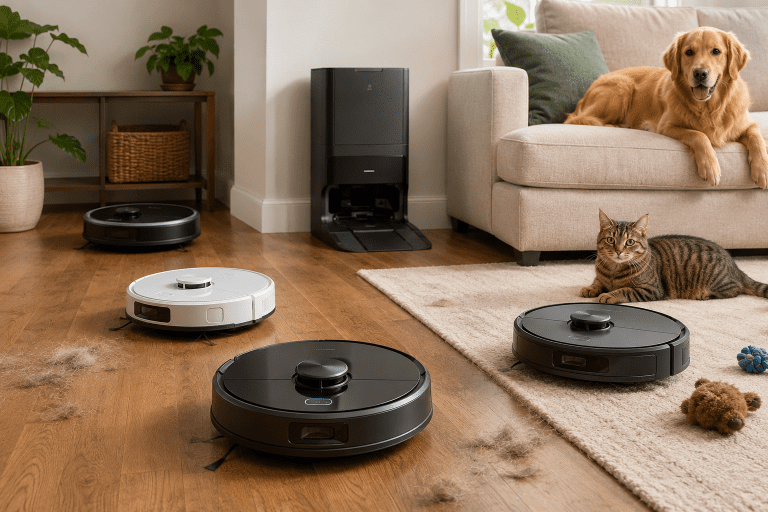
If you already own a robot vacuum, you know the appeal: set it and forget it. But if you’ve had yours for a while, you’ve probably noticed it works even better when the rest of your home is set up to support it. A few well-chosen smart home devices can take a robot vacuum from “occasionally helpful” to a genuinely hands-off cleaning routine.
Here’s a look at the devices worth pairing with your robot, and why they make a real difference.
Smart Speakers and Voice Assistants
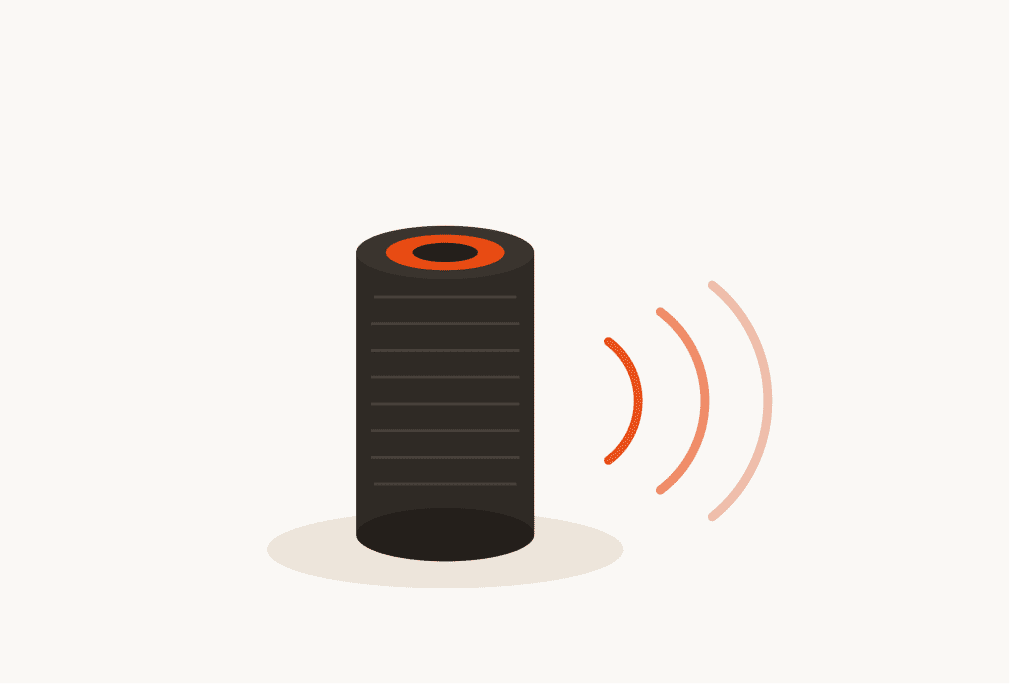
The most common pairing, and for good reason. Being able to tell your robot vacuum to start, stop, or return to its dock without picking up your phone is more useful than it sounds.
Most major robot vacuum brands, including Roomba, Roborock, Dreame, and Eufy, support Amazon Alexa and Google Home. Some also support Apple HomeKit, though that list is shorter. Once connected, you can trigger cleaning sessions by voice, which is handy when your hands are full or you’re on the other side of the house.
The real benefit comes when you start building routines. You can set your speaker to kick off a cleaning session when you leave for work, or have it announce when the dust bin is full. It’s a small thing, but it removes another step from the process.
Smart Door and Window Sensors
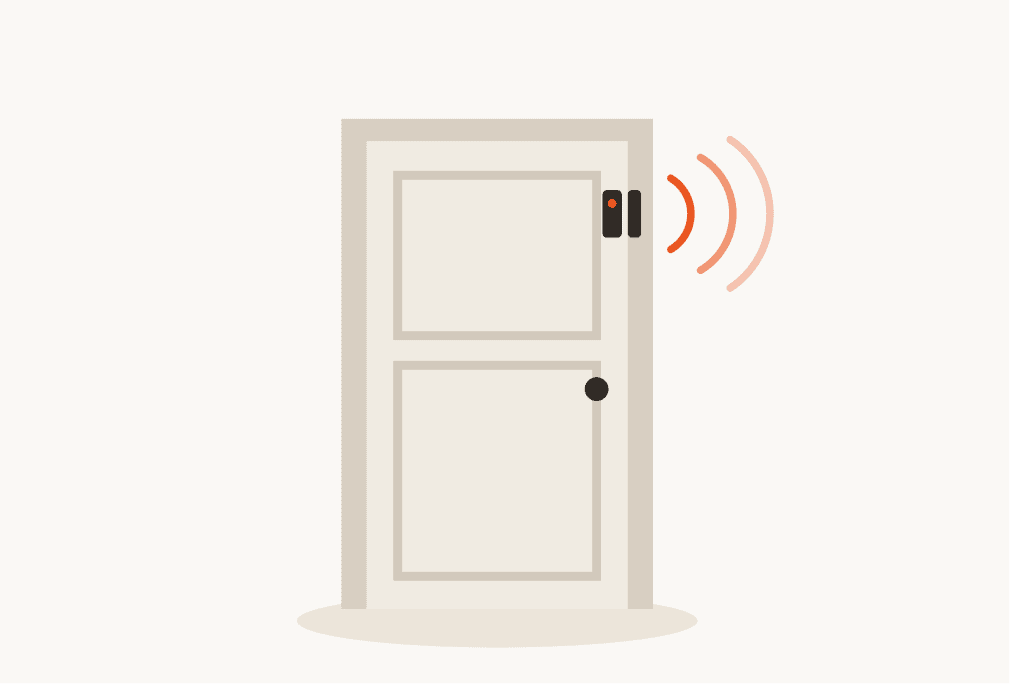
This one’s a bit underrated. A contact sensor on your front door can act as a trigger for your robot vacuum to start whenever you leave the house, and stop (or dock) when you return. No schedule required.
Most smart home platforms, like Samsung SmartThings, Apple Home, or Amazon Alexa routines, let you link sensor events to other devices. Pair a door sensor with your robot vacuum’s integration and you have an automatic “away mode” cleaner without touching any settings manually.
Window sensors are less obvious, but if you have a pet that tends to leave muddy paw prints every time a particular door opens, the same logic applies. Sensor triggers give your cleaning routine a reason to run beyond just the clock.
Smart Plugs
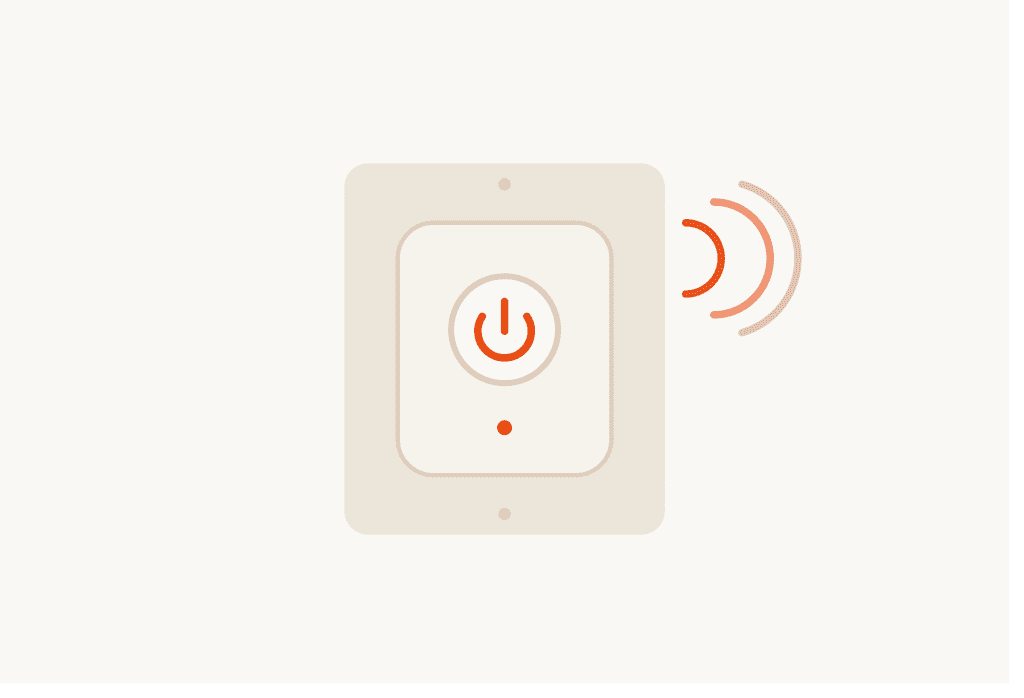
Not every robot vacuum has a built-in scheduling feature, or maybe you just prefer to manage everything from one app. A smart plug on your vacuum’s charging dock is a simple workaround.
By cutting and restoring power to the dock, a smart plug can force the vacuum to restart or prevent it from charging if you’ve had issues with the dock holding it in place. Some users also use smart plugs to monitor power draw, which gives a rough indication of when the vacuum is charging versus idle.
It’s a low-cost option that works well if your robot vacuum’s app is limited or unreliable.
Smart Lighting
This one works best if you run your robot vacuum at night. Giving the vacuum some light to work in, particularly in rooms without windows, can help optical sensors perform better. A lot of robot vacuums can navigate in low light, but obstacle detection accuracy sometimes drops in very dark rooms.
Pairing smart bulbs with a cleaning schedule means you can have lights come on in a room just before the vacuum enters, then turn off automatically when it moves on. It’s a minor thing, and not essential for most models, but worth knowing if you have a vacuum with camera-based navigation like the Roborock S8 MaxV or Dreame X30 Ultra.
Smart lighting also plays into automation routines more broadly. A single “leaving home” automation can lock the doors, dim the lights, and send the robot vacuum on its way.
Smart Air Purifiers

Robot vacuums stir up dust. Even with a good filter on board, particles become airborne during cleaning. Running an air purifier during or after a vacuum cycle helps catch what the vacuum misses.
Some brands, like Dyson and Levoit, integrate with Alexa and Google Home, so you can run both devices on the same schedule. Run the robot vacuum first, then have the purifier kick in for an hour afterward. It’s a straightforward one-two that works well in homes with allergy sufferers or pets.
If your air purifier has an auto mode with a built-in air quality sensor, it may handle this on its own, running longer whenever particulate levels are high. Either way, the combination makes a noticeable difference in air quality after a cleaning session.
Smart Home Hubs
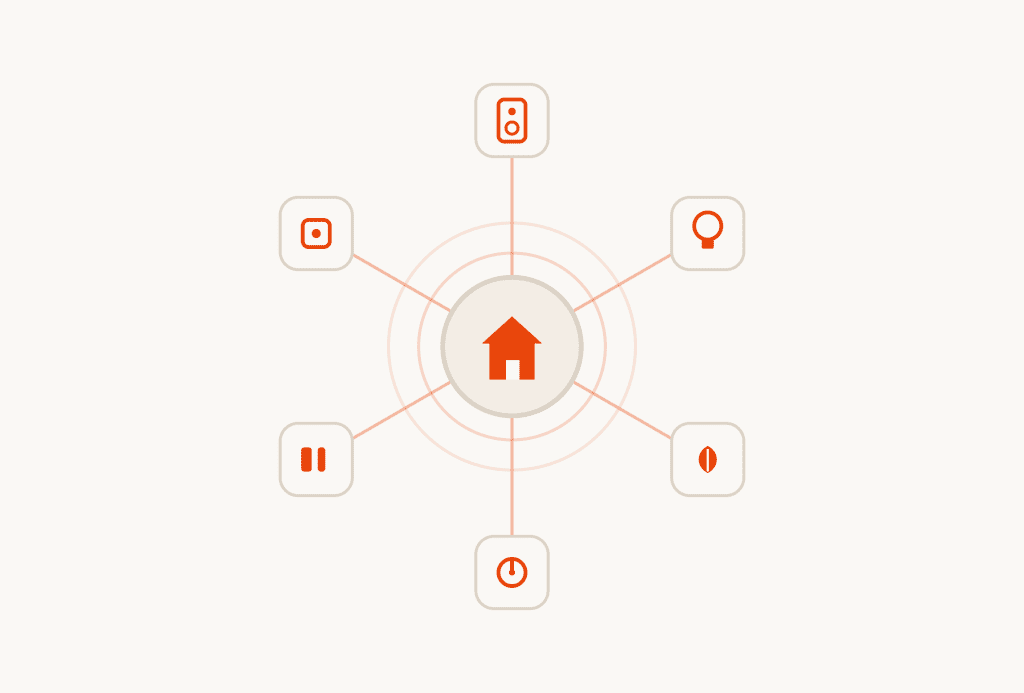
If you want all of these devices working together reliably, a smart home hub helps a lot. Options like Amazon Echo Hub, Google Nest Hub, or a SmartThings hub bring different device ecosystems under one roof.
The value is in building multi-step automations without needing every device to be from the same brand. Your Roborock doesn’t need to talk directly to your Levoit air purifier if they’re both handled by a central hub with shared automation logic.
This is especially useful if your household has built up a mix of brands over time, which most people have. A hub brings consistency to an otherwise fragmented setup.
Putting It Together
You don’t need to add everything at once. The most common way to get started is to set up a smart speaker for voice control, then add a door sensor or schedule routine to automate things further. The air purifier and smart lighting come later, once you’re happy with the basics.
The goal is a setup where the robot vacuum runs when it should, without you having to remember to start it. The devices above help get you there by filling in the gaps that the vacuum’s own app doesn’t cover.
If you’re still shopping for a robot vacuum and want to know which models play nicest with these devices, check out the buying guides on the site for compatibility details by platform.