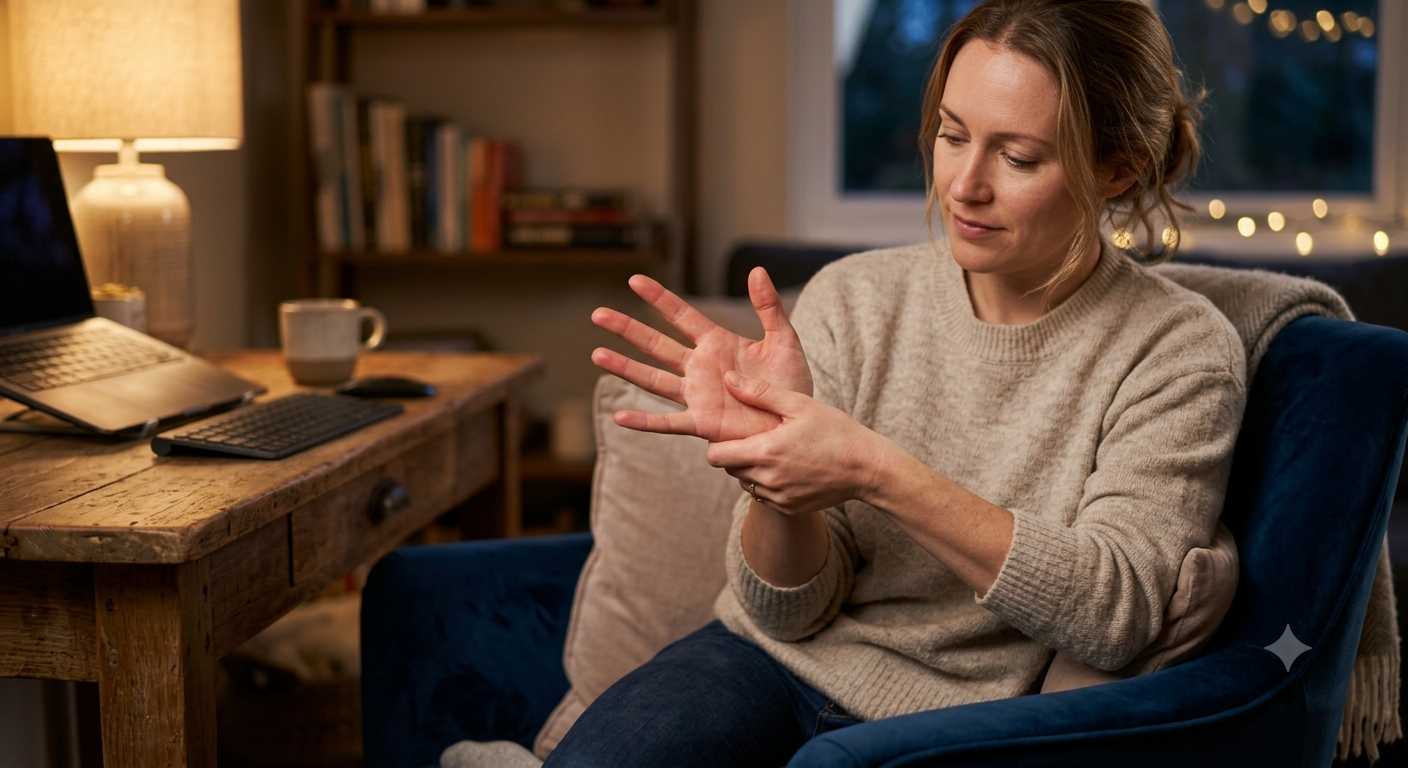
Typing all day has a way of quietly building tension in your hands that you don’t always notice until you finally stop and try to make a fist or stretch your fingers. Here’s a practical routine for relaxing tight hands once the workday winds down.
Start With Gentle Movement
Before jumping to anything more involved, simple movement is a good first step. Slowly open and close your hands a few times, spread your fingers wide and then relax them, and gently rotate your wrists in both directions. This helps reintroduce movement after hours of repetitive, small-range motion at a keyboard, without pushing your hands into anything intense right away.
Stretch the Muscles That Did the Most Work
A few basic stretches can help loosen tendons and muscles that stayed engaged all day. Extending your arm in front of you, gently pulling your fingers back toward you with your other hand, and holding for 15 to 20 seconds is a commonly recommended stretch for the forearm and wrist. Doing the same with your palm facing down targets a slightly different set of muscles. Neither needs to be forceful. A gentle, sustained stretch tends to work better than an aggressive one.
Apply Warmth to Ease Tension
Heat is frequently recommended for easing muscle tightness, and your hands respond to it the same way other muscle groups do. A warm towel, a bowl of warm water, or a hand massager with a built in heat function are all reasonable ways to introduce warmth. The advantage of a dedicated hand massager is that it combines heat with gentle compression, which some people find more effective than heat on its own for working through tension that’s built up over a full day of typing.
Add Compression or Massage
Beyond heat, gentle pressure and massage can help address the tightness more directly. This can be as simple as using your other hand to press along your palm and the base of each finger, or using a hand massager that applies rhythmic air compression across your palm and fingers. Starting with a lower intensity setting is a reasonable approach, especially if your hands feel particularly tight or sensitive after a demanding day.
Give Your Hands a Real Break From Screens
It’s easy to go straight from typing all day to scrolling on your phone in the evening, which keeps your hands and fingers in a similar repetitive pattern without much of a break. Building in some genuinely screen-free time, even just twenty or thirty minutes, gives your hands a more complete rest than switching from one repetitive device to another.
Building a Repeatable Evening Routine
A simple, realistic routine tends to work better than an elaborate one you won’t keep up. Something like this covers most of the bases: a minute or two of gentle stretching right after you’re done working, followed by fifteen to twenty minutes with a heated hand massager while doing something relaxing, like listening to a podcast or watching TV. Doing this consistently after demanding typing days tends to help more than only addressing it once your hands already feel quite tight.
Final Thoughts
Relaxing tight hands after a long day of typing comes down to a combination of gentle movement, targeted stretching, warmth, and some form of massage or compression. None of this requires much time, and a hand massager that combines heat and compression can make the process more consistent and less effortful than doing everything manually each time.
References:
- Cleveland Clinic, repetitive strain injury overview: https://my.clevelandclinic.org/health/diseases/17424-repetitive-strain-injury